Helping Expert Business Owners

Install a Predictable and Consistent Client Acquisition System & Sign More Clients with Less Stress, over the next 12 weeks to 12 months

Want a deeper understanding of "How" we help our clients get results... watch the quick video below👇

Want a deeper understanding of "How" I help my clients get results... watch the quick video below👇

What Others Say About Working With US:

"I've been working with Dom for 19 months now.

Year over year from last year to this year, my business is up 42%, and I will say a big piece of that is Dom and his help"

Jeff Wickersham

Founder of the Warrior Dad Experience

"This is where I've wanted to be for 2.5 years. I send out messages, people say yes, I get on a call, help them out, and see if they want to go further. I explain the program, how it can help them — they say yes, and we get started. This week alone I had 4 audit calls and 2 consult calls, with a final decision call tomorrow on an offer I already dropped. Next week I've already got 2 audits and 3 consult calls lined up — and potentially more."

Sam Greenwood

Leadership Coach

"Dominik's really opened my eyes to a lot of stuff. He shows you how to leverage yourself and position yourself as an authority.

I was blown away by what he knows and he's probably half my age. He's a hell of a mentor and I plan to stick with him for the long haul."

Casey Ray

Creator of the Dream Dog Formula

"When I started working with Dom, I was doing about 5k per month in my business and that wasn't regular. Now I'm doing 20k months and it's quite consistent. He has a really good system.

If you want to get more sales calls that are relevant to your product or service and have those sales calls easier to close, I'd highly recommend Dom."

Neil Dylan Young

7-Figure Entrepreneur & Coach

"Dom has been able to help me build long-term systems that have generated multiple 6-figures. He's able to identify constraints within your business very quickly which I found very helpful."

Krystian Sarzynski

Peak Performance Expert

"Dom, has taught me to become more efficient. I narrowed down all of the ideas I was working on to one offer. I've become a laser, not a lightbulb, because of Dominik's help."

Ant Blair

6x Public Speaking Champion, 2x TEDx Speaker, Coach


“I started working with Drew back in 2022 and at that point we were doing about 20k per month. Since then we’ve been able to go from 20k to 120k per month which is 6x.

I would highly recommend working with drew to allow you to book more calls, make more money and grow your business.”

Savir Suda

YouTube Automation Mentor

"I recently had 2 calls with Dominik.

He has an absolutely wonderful mind when it comes to seeing ones business from an outside perspective."

Nathaniel Dickey

Creator of the KungFu Bod

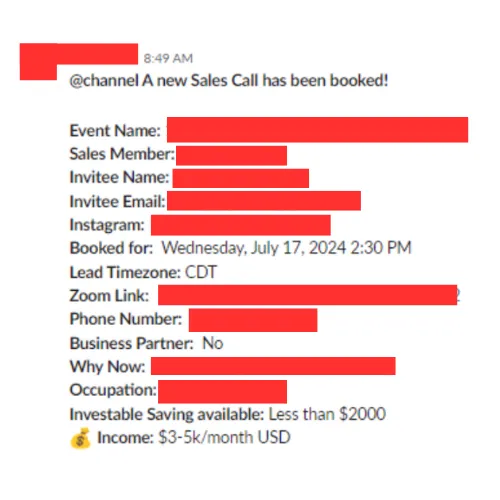
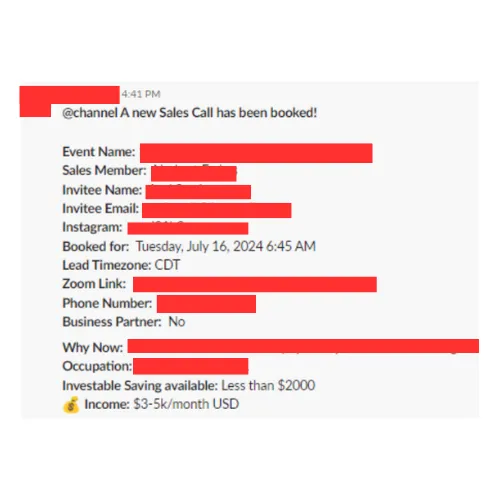
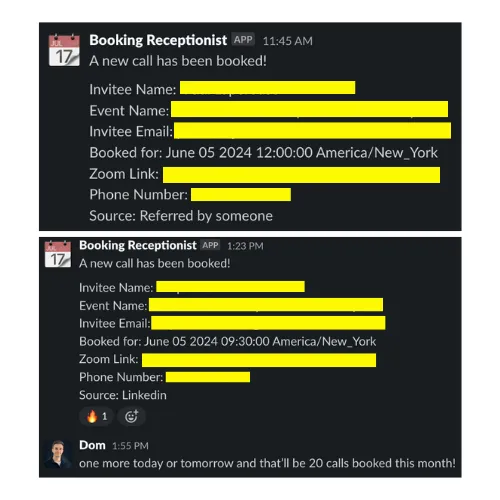
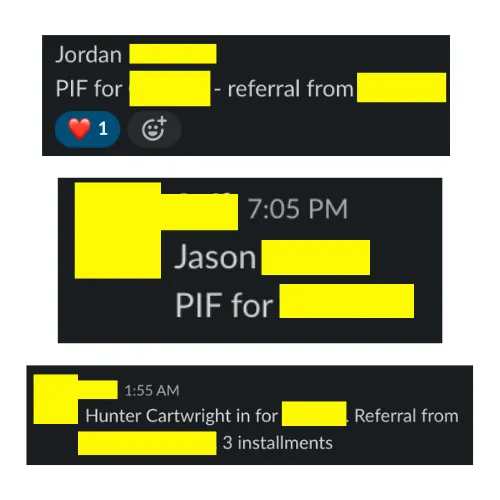
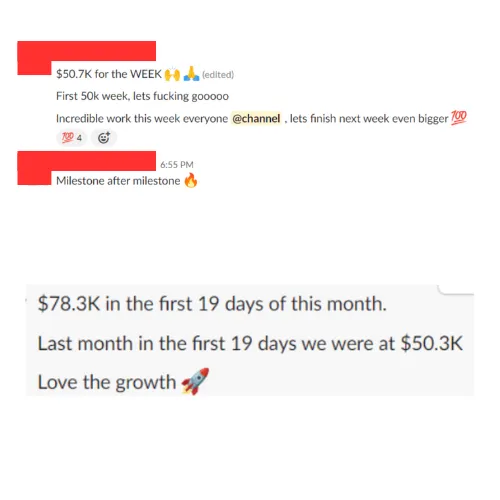
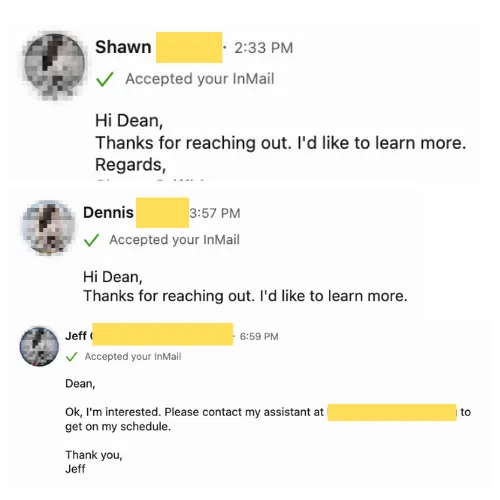
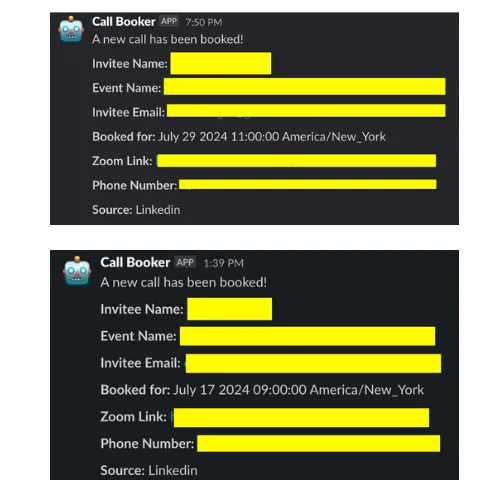
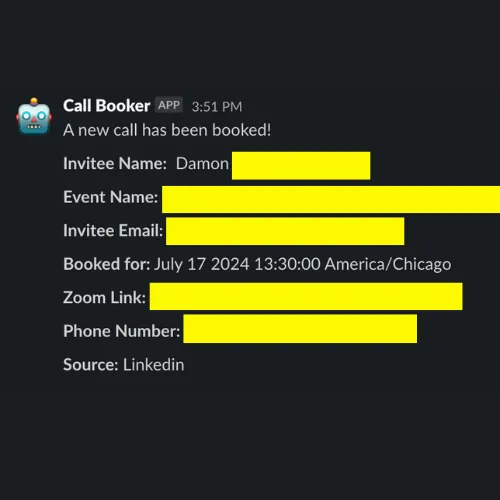
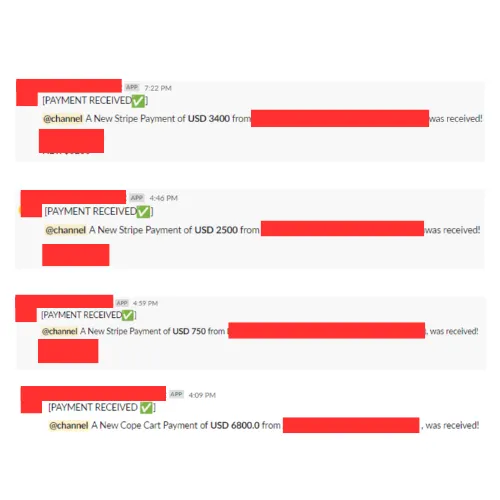
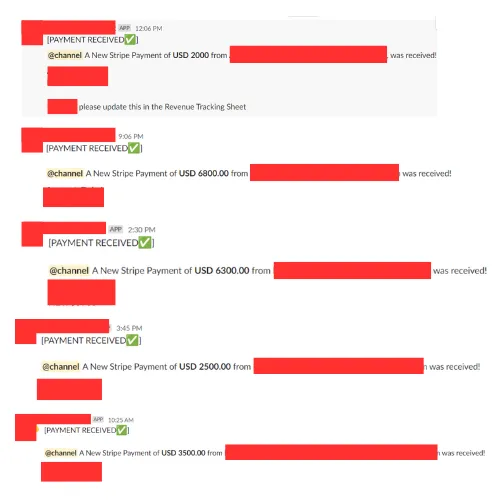
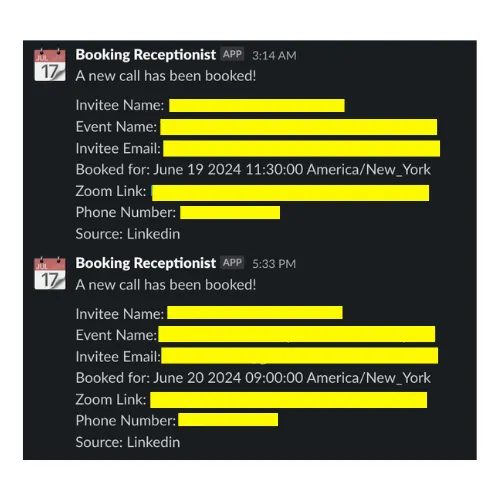
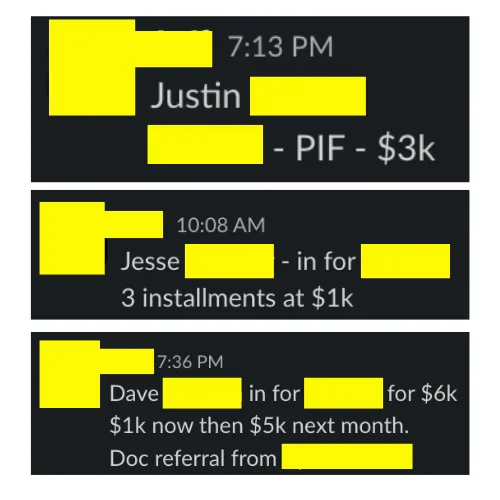
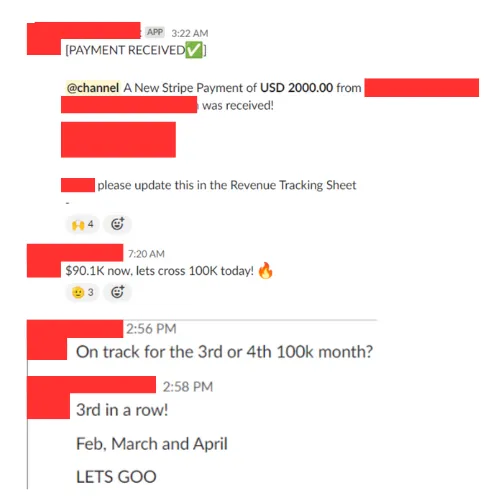
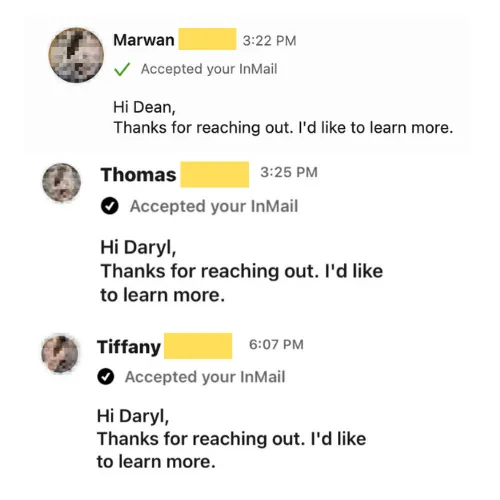
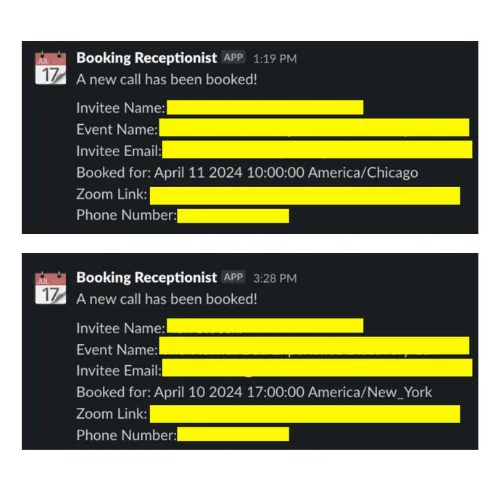
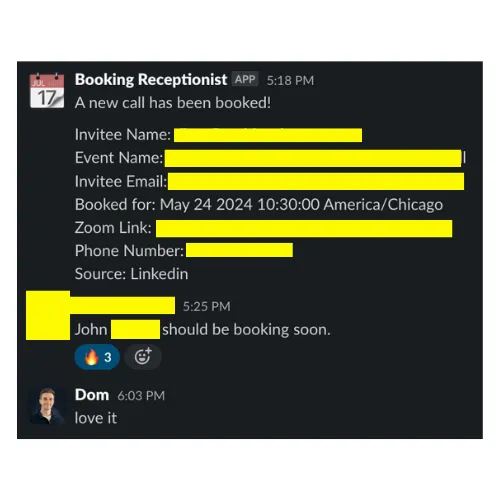
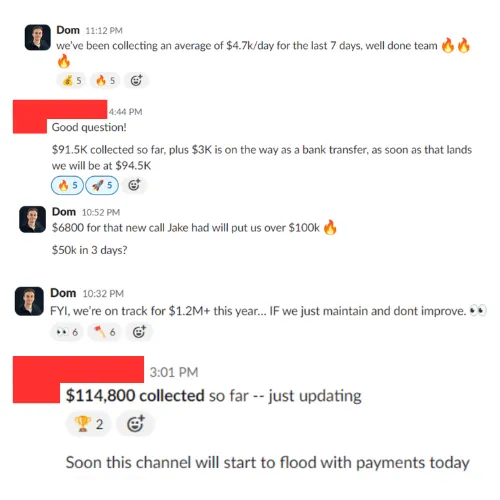
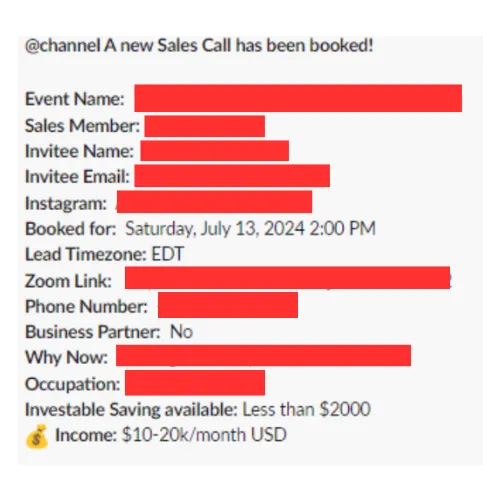
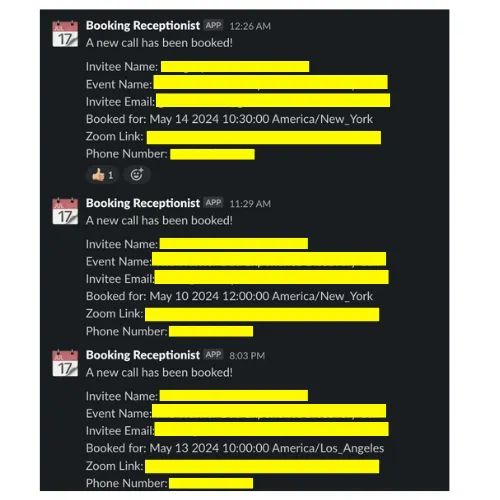
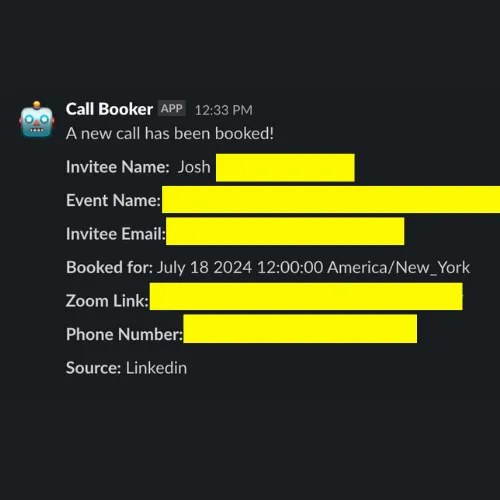
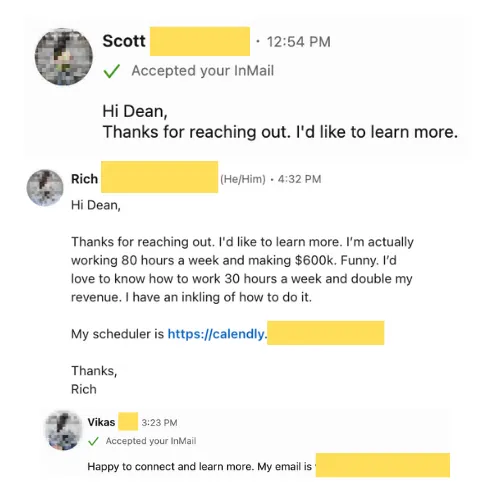
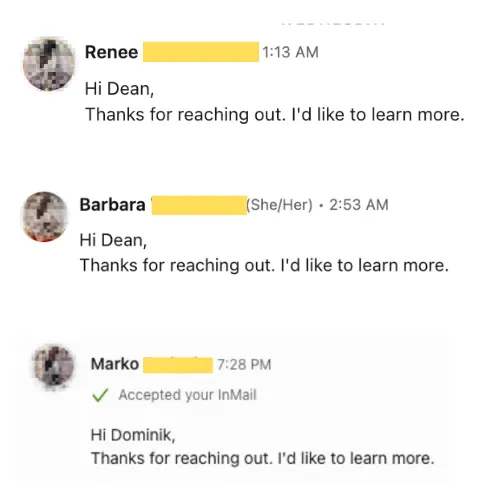
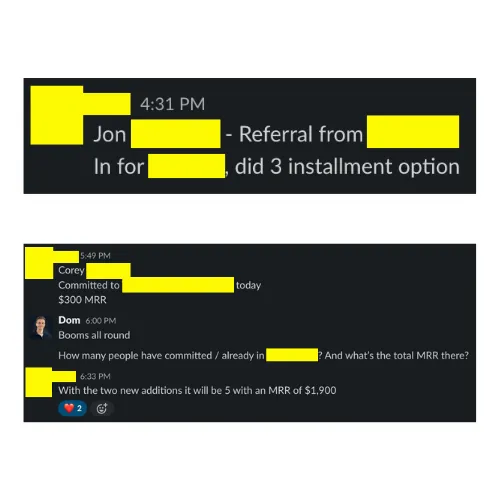
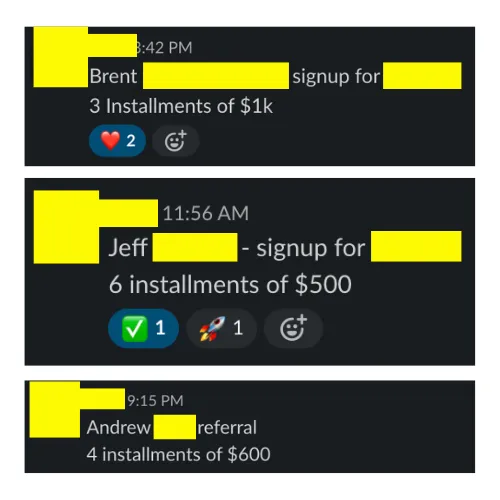
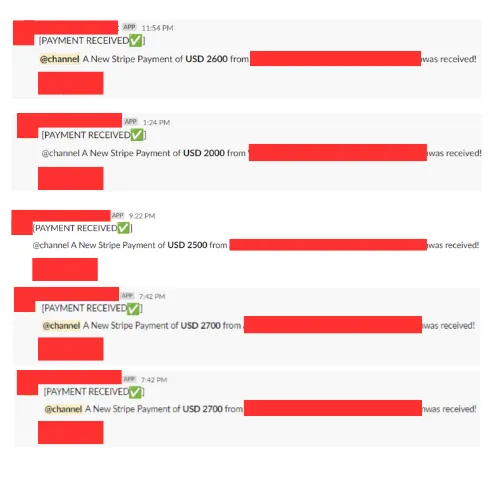
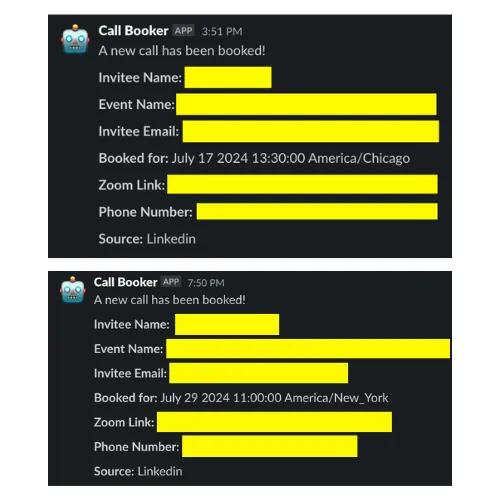
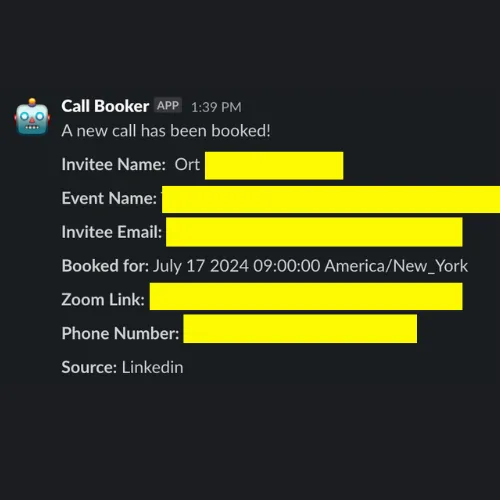
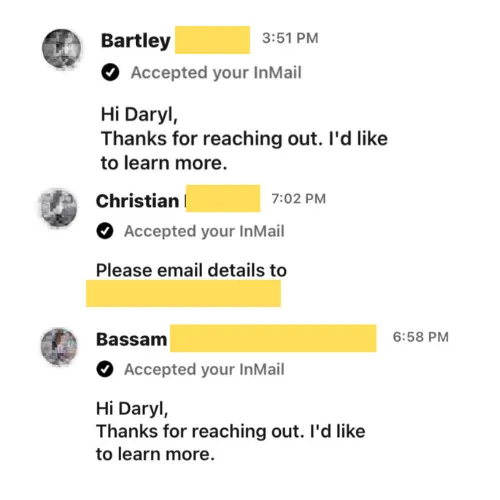
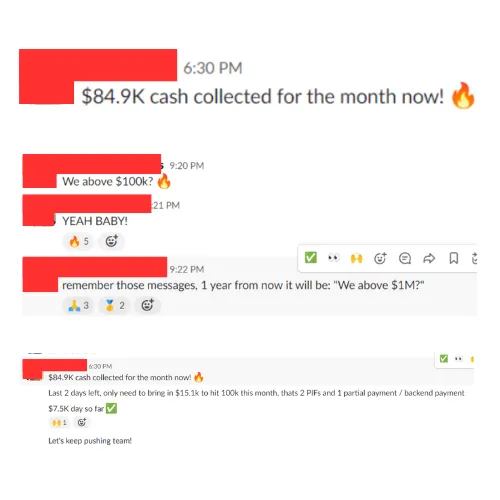
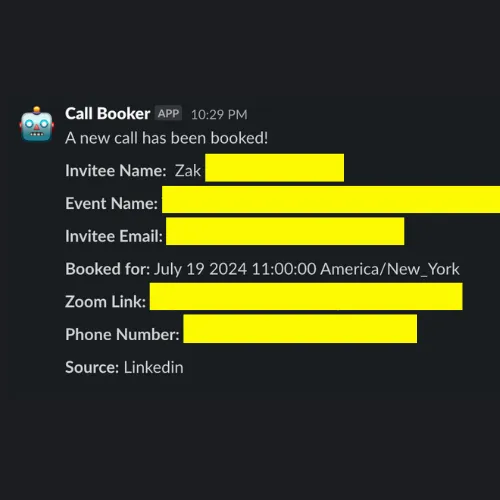
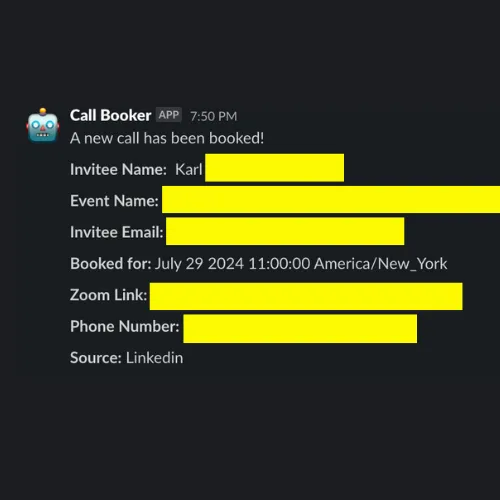
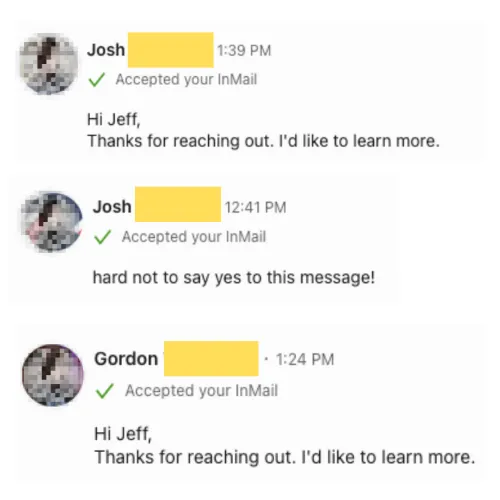
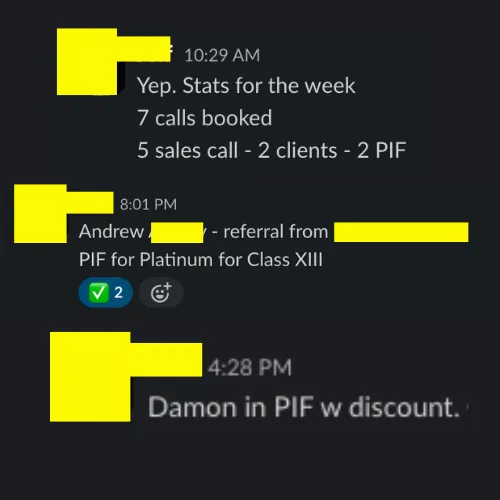
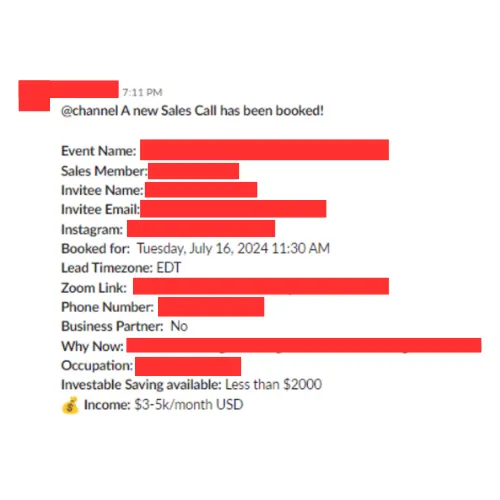
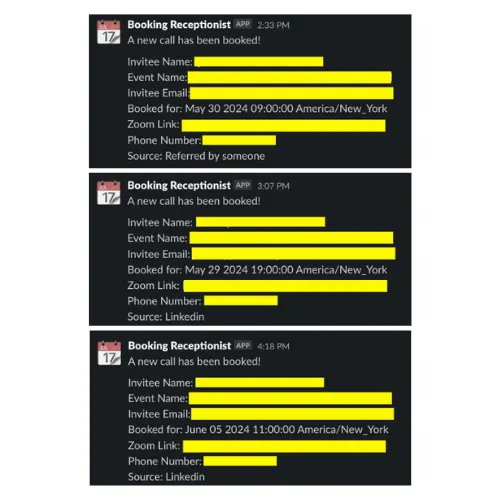
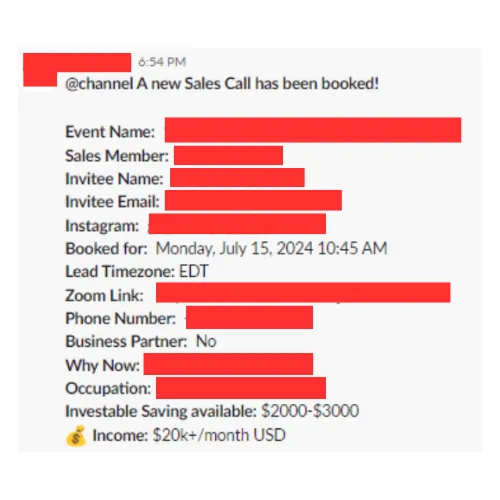
What Our Clients See In Their Business After Working With Us:
Welcome

This page is private. Please enter the password to continue.

Onboarding

This document contains 2 parts.

The "tech" onboarding.

And the "fun" onboarding. And by fun I mean concepts, principles and philosophy.

First we'll cover tech, just to get it over and done with and at the end you'll have access to the onboarding training.

Please do everything here ASAP so that we can hit the ground running when we connect for your onboarding call.

The Tech Onboarding

This is the boring, tech stuff no one likes, so let's make it as painless as possible.

We need access to three platforms to get everything set up and running smoothly: Slack (where you'll get real-time notifications and where we will communicate), Google Drive (for sharing files and documents), and GoHighLevel (if you use it for funnels etc).

Each one has a quick setup checklist below. They're straightforward and shouldn't take more than 5-10 minutes total.

The most important thing is making sure we have the right permission levels (Admin for Slack and GHL, Editor for Google Drive) so we can actually build your systems without constantly asking you to grant access to things.

Once these are done, we can dive into the fun stuff.

Let's knock these out.

(NOTE: IF YOU DON'T USE GHL, THEN YOU CAN SKIP THAT FOR NOW)

It's a good idea to have a Slack workspace set up before proceeding with Step 1. If you don't have one yet, sign up for free at slack.com and create your workspace.

If you're creating a brand new workspace name it something clear and make sure to add a logo (even if you already have a workspace) so that it's easy for me to be able to identify your workspace from my end. (otherwise slack will just take the initials and this makes it difficult for me since I am a part of multiple workspaces.) You can do this by clicking admin tools, or worst case a quick google search will show you how to do it.

Note: You do NOT need a paid Slack plan to use this system. The free version works perfectly fine.

Step 0: Ensure your workspace has a logo

  • Open your Slack workspace
  • Click on "Admin" or "Admin Tools" on the right hand side (or wherever if the UI has been updated)
  • Select "Edit Workspace" → "Workspace Icon"
  • This will open Slack in your browser (Safari, Chrome, etc.)
  • Set a logo.
  • Save.

Step 1: Invite Us to Your Workspace

  • Open your Slack workspace
  • Click on "Admin" or "Admin Tools" on the right hand side (or wherever if the UI has been updated)
  • Select "Manage members"
  • This will open Slack in your browser (Safari, Chrome, etc.)
  • Click "Invite people"
  • Add the following emails:
  • Copy the invite link that appears and send the invite link to us via WhatsApp (this allows us to join faster). If for some reason we are not connected on Whatsapp, send it via the social media platform through which we communicated up to this point. And if that's not possible send it via email. (This is the least preferred method.)
  • Once you've done that you can also click the "Send invitations" button to have Slack notify us as well.

Step 2: Wait for Us to Join
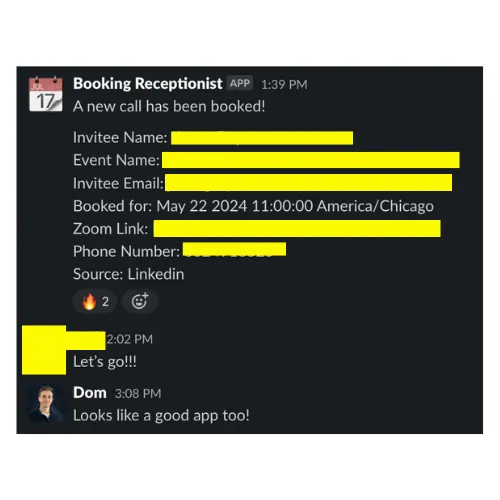
  • We'll join your workspace using the invite link. We will let you know when that happens.
  • Proceed to Step 3 once you see us in your workspace.
Step 3: Grant Admin Permissions (CRITICAL)
  • Go back to "Admin" or "Admin Tools" → "Manage members"
  • Find our names in the member list ([email protected] and [email protected])
  • Click the three dots (•••) next to each of our names
  • Select "Change account type"
  • Change us from "Regular members" to "Workspace Admins"
  • Repeat for both email addresses

Step 4: Confirm Setup

  • Send us a message on Slack or WhatsApp confirming you've completed the steps above
  • We'll verify access and begin connecting everything

Questions? Contact us on WhatsApp or Slack if you run into any issues during setup.

It's a good idea to have a Google account set up before proceeding with Step 1. If you don't have one yet, sign up for free at google.com and create your account.

Note: You do NOT need a paid Google Workspace plan to use this system. The free version works perfectly fine for file sharing.

Step 1: Create a Shared Folder

  • Go to drive.google.com
  • Click "New" in the top left
  • Select "New folder"
  • Name it something clear like "[Your Name] - Shared Files" or "[Your Business Name] - Working Folder"
  • Click "Create"
Step 2: Share the Folder and Grant Permissions (CRITICAL)
  • Right-click on the folder you just created
  • Select "Share" from the menu
  • In the "Add people and groups" field, add the following emails:
  • For each email, click the dropdown next to their name and select "Editor" (not Viewer or Commenter)
  • Click "Send"

Step 3: Send Us the Folder Link

  • Right-click on the shared folder again
  • Select "Get link"
  • Ensure the link sharing is set to "Restricted" (only people added can access)
  • Click "Copy link"
  • Send this link to us via WhatsApp (this allows us to access it faster). If for some reason we are not connected on WhatsApp, send it via the social media platform through which we communicated up to this point. And if that's not possible, send it via email (least preferred method).

Step 4: Confirm Setup

Send us a message on Slack or WhatsApp confirming you've completed the steps above.

We'll verify access and begin organizing the folder structure for our work together.

Questions? Contact us on WhatsApp or Slack if you run into any issues during setup.

This setup is only required if you have a GoHighLevel account. If you don't use GHL, you can skip this section entirely.

Note: You must have an existing GoHighLevel account to complete these steps. If you don't have one, this setup isn't necessary.
Step 0: Make sure you're in Agency View (CRITICAL)
  • Log into your GoHighLevel account at app.gohighlevel.com
  • Make sure you're in Agency View, NOT Sub-Account View
  • You can check this by looking at the top left of your screen - it should say "Agency" or show your agency name
  • If you're in a sub-account, click the agency name/logo to switch back to Agency View

Step 1: Access Team Settings

  • While in Agency View, click on "Settings" in the left sidebar (gear icon at the bottom)
  • Select "Team" from the new settings menu on the left (3rd from the top or so)

Step 2: Invite Us To Your Account

  • Click the "Add User" or "Invite User" button
  • Add the following emails one at a time:
  • For each user, configure the following:
    • User Type: Agency
    • User Role: Admin
    • Add us to the specific sub-account(s) you want us to work on
    • Grant all permissions by checking all boxes
    • Optional: You can exclude financial-related or payment-related permissions if you prefer
  • Make sure to click "Save"

Step 3: Confirm Setup

Send us a message on Slack or WhatsApp confirming you've completed the steps above.

We'll verify access and begin organizing the folder structure for our work together.

Questions? Contact us on WhatsApp or Slack if you run into any issues during setup.

The "Fun" Onboarding AKA Trainings

The onboarding is THE most important part of the process as it will lay the foundational understanding and ways of thinking for us to work best together.

As you watch the videos, don't worry about taking too many notes or feeling like you have to get everything.

They are information dense for a reason and I do not expect you to catch everything the first time round.

The main thing I'd recommend is to take note of and bring the answer to these 2 questions to the onboarding call:

  1. What things that stood out the most?
  2. What things that confused you the most or were the most unclear?

(This is for each video)

I'm very excited for you!

See you soon. 🙂

- Dom

Have Questions You Want Answered Before You Schedule Your Call?

Click one of the button's below to chat with Us right now 👇

Privacy Policy | Terms Of Service

Copyright © appointmentsettingsystems.com. All Rights Reserved.

IMPORTANT: Earnings and Legal Disclaimers

We do not like or care for "Get-Rich-Quick Programs." We believe in hard work, adding value and serving others. And that's what our process was designed to help you do. As stated by law, we cannot and do not make any guarantees about your ability to get results or earn any money with our ideas, information, or strategies. We do not know you and, besides, your results in life are ultimately up to you. Agreed? We are here to help by crafting a strategy that is uniquely designed to move you forward, faster. However, nothing on this page or any of our websites or emails is a promise or guarantee of future earnings. Any financial numbers referenced here, or on any of our sites or emails, are only estimates, projections or past results, and should not be considered exact, actual or as a promise of potential earnings - all numbers are illustrative only. If you have questions, email [email protected]. Thanks for stopping by.